Search |
  
|
Search |
|
You can search the `tree' of decisions in the decision model in order to find a particular decision/group.
STEPS
1. |
Right-click on a decision/group and select `Search' > Search dialog box. |
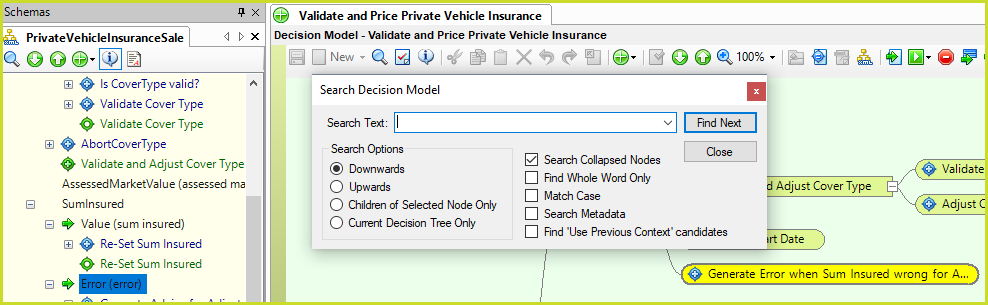
Figure 3-17: Search decision model dialog box
2. |
Enter the full or partial name of the decision/group you are searching for. |
3. |
Select the appropriate search options: i.e. whether the search should begin searching all elements below or above the selected decision, the associated children of the selected node or the entire current decision tree. If you wish invisible nodes to be included (see Node visibility) in the search, click in the Search Collapsed Nodes check-box. If you want the search to include a search of the decision/group's Tags, Business and Technical descriptions as well as the name, select the Search Metadata checkbox. |
4. |
Click on 'Find Next'. |
Each identified decision/group will be highlighted yellow, and the associated node will be highlighted blue in the schema.
5. |
Click 'Find Next' again to continue your search. |