Node Visibility |
  
|
Node Visibility |
|
You use the Node Visibility view of the schema to mark the nodes from the source schema that will be visible (present) in the customized schema; you must also select the root node for the customized schema in this view if there are multiple roots in the schema.
STEPS
Select the required schema root. |
|
Make sure you are in the Node Visibility view; if you are in Output mode use the Schema button at the top of the Customized Schema pane to toggle between the Node Visibility and Output Nodes views. |
|
Click the check boxes of all of the nodes that you wish to make visible in the customized schema. Alternatively, right-click on the Root, or any other node at the desired level in the tree, and select `Check Entire Sub-tree'. This will tick every child node for you – you can then un-tick any nodes that you might want to drop from the view. |
|
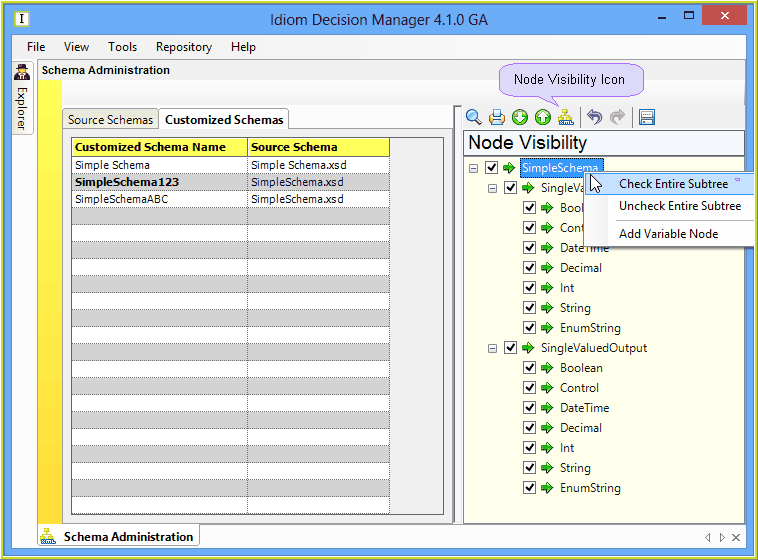
Figure 6-49: Node Visibility view of the schema