Modifying a Customized Schema |
  
|
Modifying a Customized Schema |
|
STEPS to modify a schema.
1. |
Click on 'Tools' | 'Schema Administration' > Schema Administration window. |
2. |
Right-click on the desired customized schema and select `View' > Customized Schema pane. |
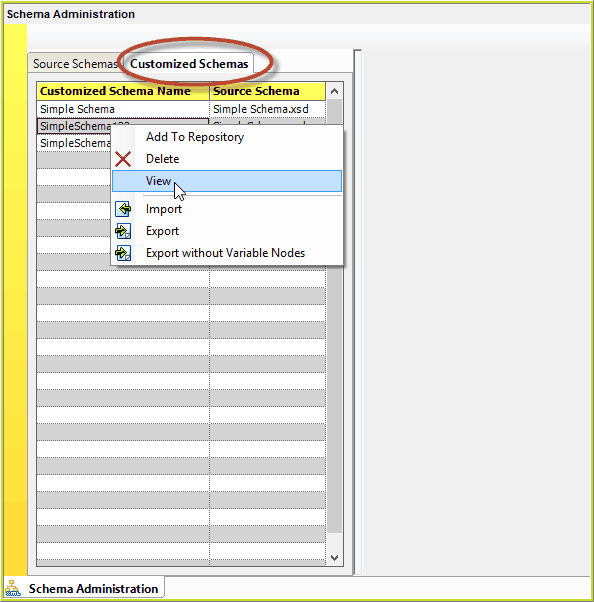
Figure 6-55(a): Menu option for viewing a customized schema in Schema Administration.
The Customized Schema Pane is displayed
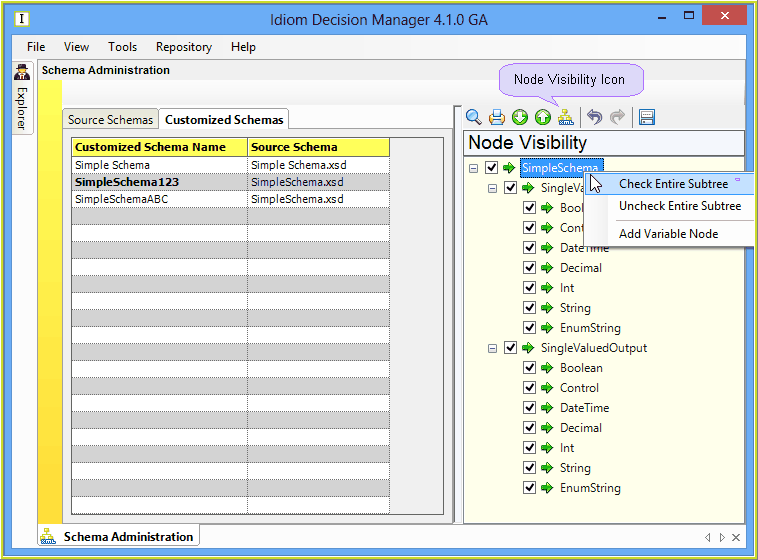
Figure 6-55(b): Node Visibility Schema Pane
3. |
Make the desired changes in the Output Nodes (see Output Nodes) or Node Visibility (see Node Visibility) views. |
4. |
Click on the Save button. |
Save the modified customized schema with the same name to replace the older version.