Importing an Excel workbook as a repository |
  
|
Importing an Excel workbook as a repository |
|
A repository can be created from an Excel .xlsx file using the Import Excel Spreasheet Wizard.
STEPS
1. |
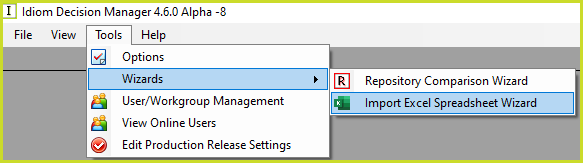
Click on the Tools > Wizards > Import Excel Spreadsheet Wizard menu option.This Wizard is available when there is no repository open.
|
2. |
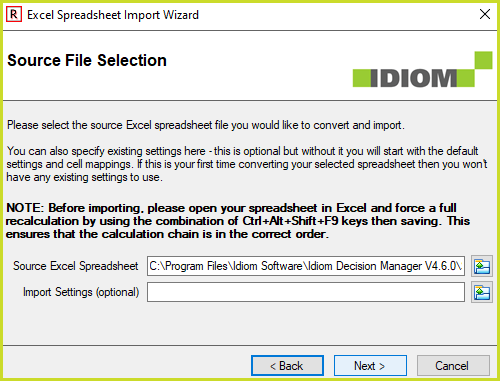
Select the Excel .xlsx file you would like to import. An Import Settings xml file is created by the Wizard at the end of the import.
The sample Vehicle Insurance Demo.xlsx is included in the Sample Repositories sub directory:
|
3. |
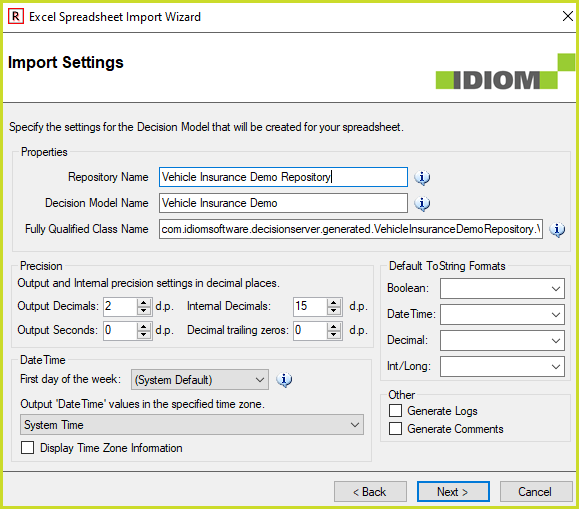
The Import Settings dialog box shows the properties and settings of the decision model that will be created. See Creating a new decision model and In-line testing.
|
4. |
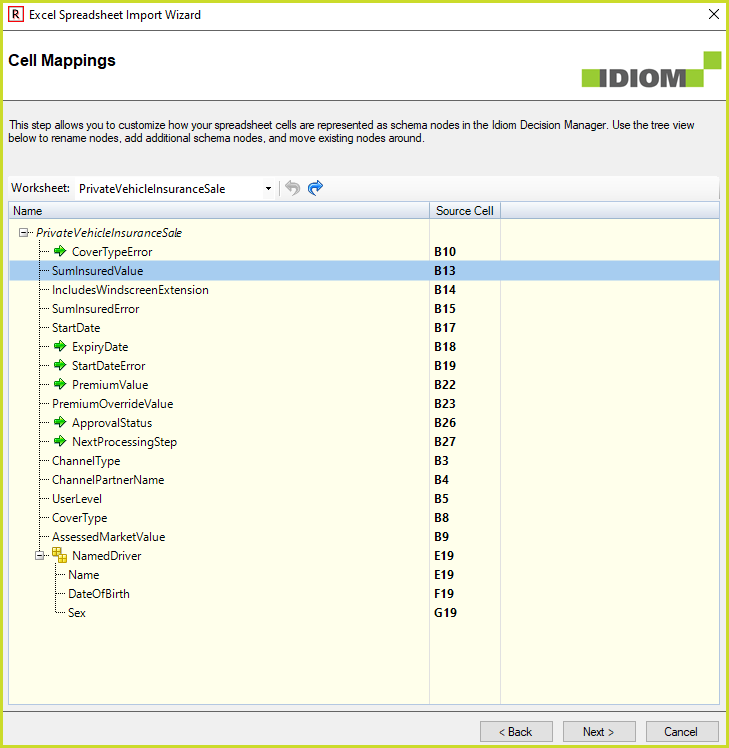
The Cell Mappings show the schema that will be created from the selected spreadsheet. See on how to edit the schema and cell mappings.
|
5. |
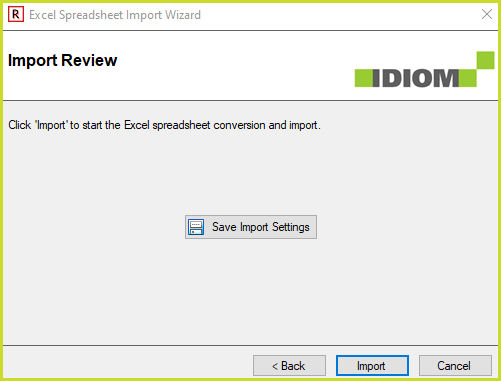
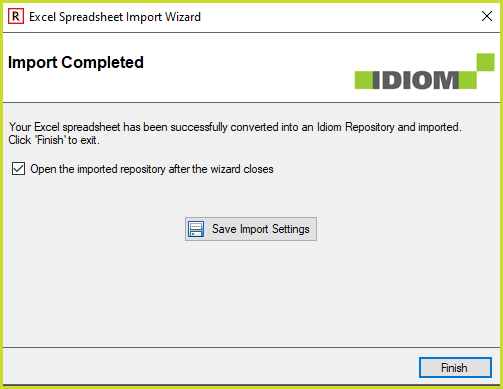
The Import Review and Import Completed steps are the last steps of the Wizard. Click on Save Import Settings to save the selections made in the previous steps. These Settings can be used in step #2 above to import the Excel .xlsx file again.
|