Exist in table |
  
|
Exist in table |
|
The TableLookup operator allows you to retrieve the value of one of the data columns by supplying a value for all of the key columns. The ExistInTable operator allows you to determine whether or not a table row exists for any combination of key and data columns. Please note:
•This operator returns true or false instead of a data column value. The value true indicates that there are 1 or more rows in the table for the supplied keys.
•It can be used for any combination of key and data columns and even without key columns;
•The ExistInTable operator does not update the corresponding Table node in the IntervalVariables schema. You can not use the TableLookupValue after an ExistInTable operator to access the column values of the row found.
Here is an example on how to use the ExistsInTable operator in the formula for the /Billing/Charge/Rate node of the Billing schema in the Idiom Carpet Company repository.
1.Drag the Service Charging table from the Explorer to a formula operator that accepts a boolean value and select ExistInTable:
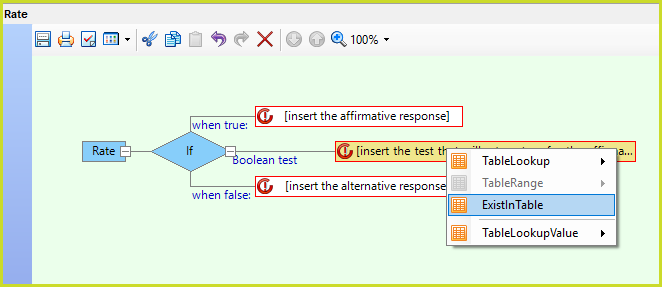
Figure 4-30 ExistInTable
2.Select the columns for which you want to check the existence of a table row.
By default the ExistInTable operator presents all the key and data columns:
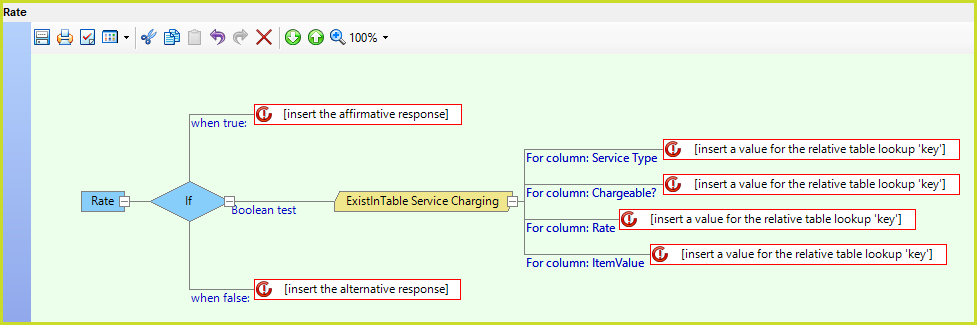
Figure 4-31 ExistInTable key and data columns
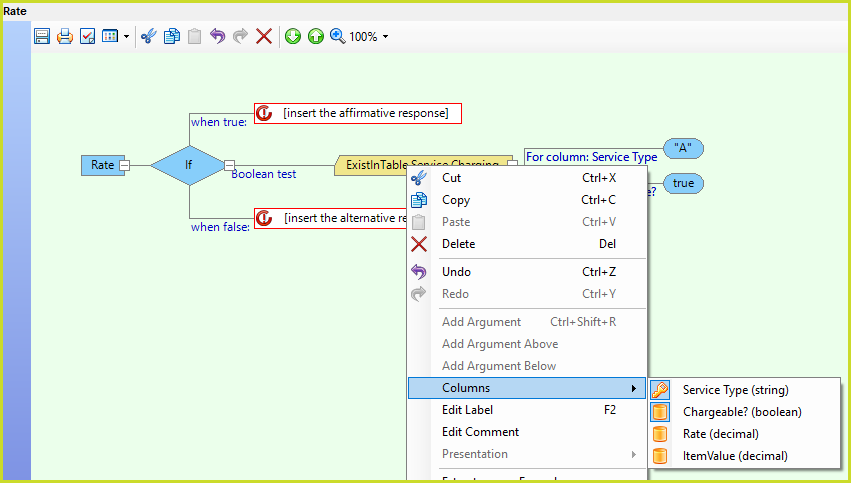
You can select the columns that you want to use as ExistInTable keys by right-clicking on ExistInTable and clicking on Columns. This presents a menu with the key and data columns. Click on a column to determine whether or not it should be a key for the ExistInTable operator. The Key or Data icon on the right is highlighted for keys. In our example we want to determine whether or not there are Chargeable items for Service Type A.
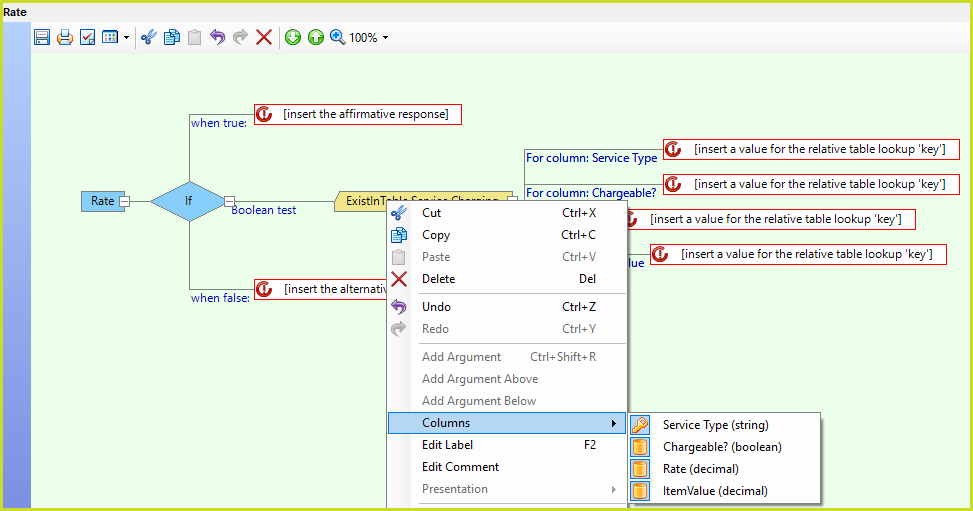
The ExistInTable operator only shows a key value for the selected columns: