Deleting a Table Definition |
  
|
Deleting a Table Definition |
|
In the example below, we will delete the Base Rate Table Definition that we created earlier (see Creating a Table Definition)
STEPS
1. |
Right-click on the Base Rate Table Definition under Tables in the Explorer pane and select 'Delete'. |
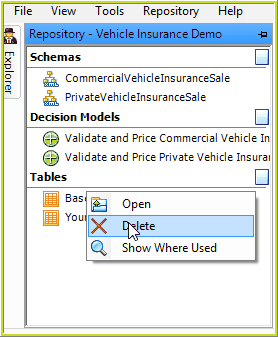
Figure 6-90: Deleting the Base Rate Table Definition from the Explorer pane
IDIOM will check that you wish to delete this Table Definition, and after confirmation of that, the table will be removed from the Explorer pane.