Deleting Dynamic Table Contents |
  
|
Deleting Dynamic Table Contents |
|
To delete a dynamic set of Table contents:
STEPS
1. |
Right-click on the name of the dynamic set of Table contents that you wish to delete and select 'Remove' |
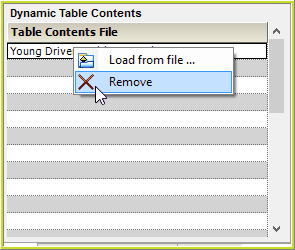
Figure 7-22: Removing a dynamic table contents
The dynamic set of Table contents will be deleted and its name will no longer appear in the table.