Building an Input File |
  
|
Building an Input File |
|
To build a test input file:
In the Explorer pane, right-click on a Schema associated with the decision model you wish to test (e.g. PrivateVehicleInsuranceSale), select 'Build Document' and click on the Show/Hide Import Table toolbar button.
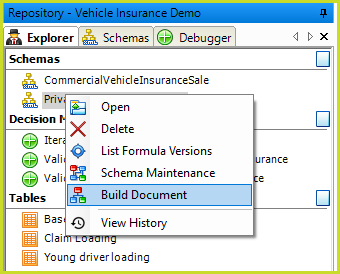
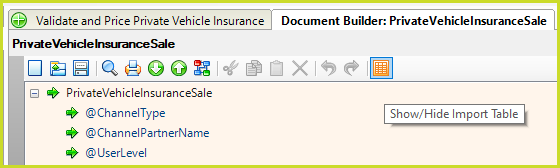
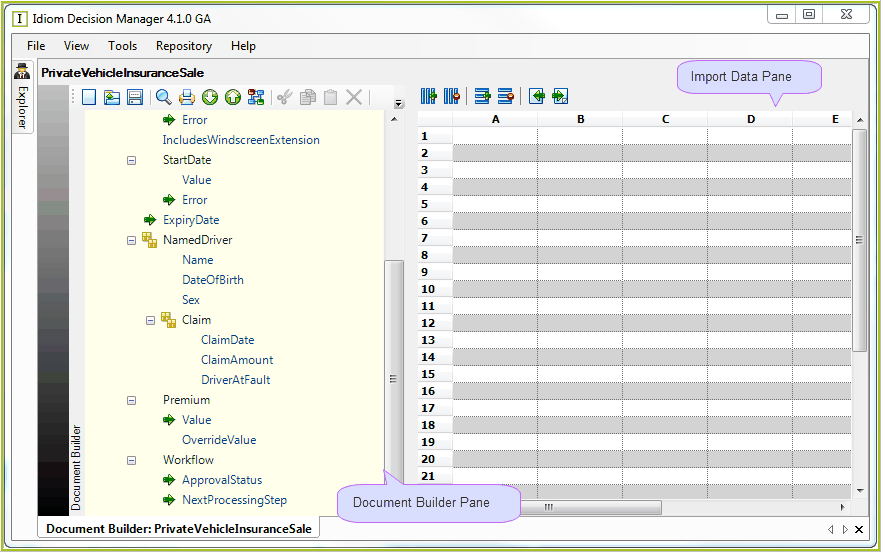 Figure 3-43: The Document Builder workspace
The Document Builder pane opens, with the Import Data table to the right.
You can build your input document by making changes to the Node Values directly in the Document Builder pane, or alternatively you can open an existing document that has been pre-populated with values:
The following topics detail the changes that you can make e.g. changing node values and modifying data in the table.