Viewing Decision Details |
  
|
Viewing Decision Details |
|
It is important to note that each decision will also have the same datatype as the node it is associated with.
There are a number of ways to view additional information about decisions and decision groups:
1. |
Hover your cursor over the decision to view the decisions hover tab information |
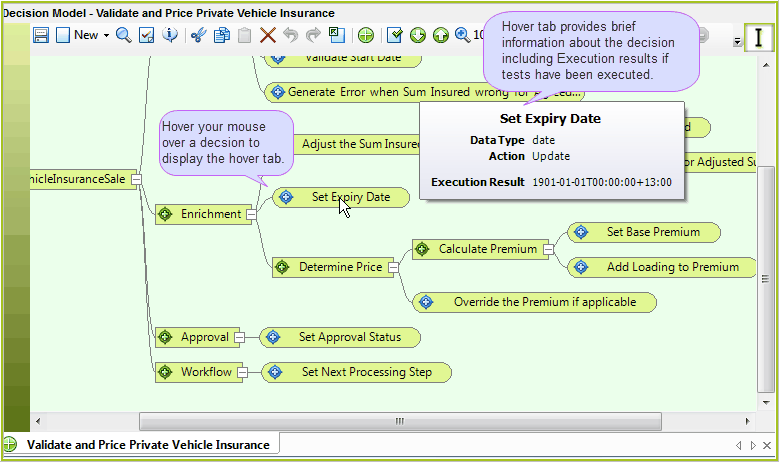
Figure 3-5(a) Hovering over a decision
2. |
Click on the decision / decision group and click on the Details tab to display the Details pane. The Process Path property displays the concatenated names of the hierarchy of decision groups that lead up to the selected decision/decision group (including its own name). |
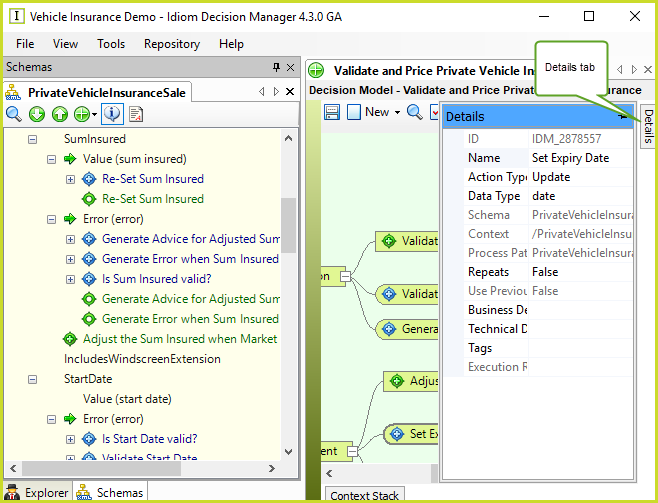
Figure 3-5(b) Show Details Panel toggled on.
3. |
Click anywhere on the decision model palette and toggle the 'Show Data Type Decorations' |
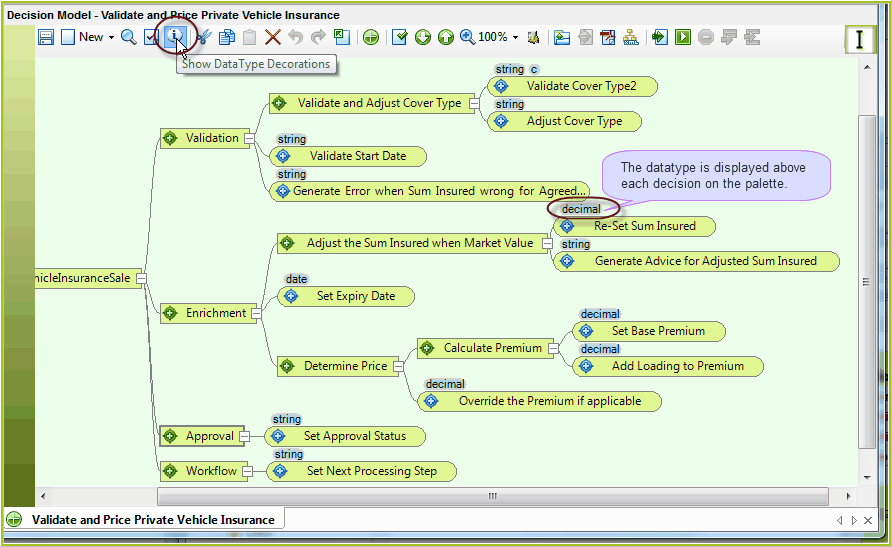
Figure 3-5(c) Show Datatype Decorations toggled on.
 button on.