Opening an Existing Decision Model |
  
|
Opening an Existing Decision Model |
|
You can open an existing decision model from the Explorer pane:
STEPS
1. |
Right-click on the decision model in the Explorer pane and select 'Open'. Alternatively, double-click on the decision model name. |
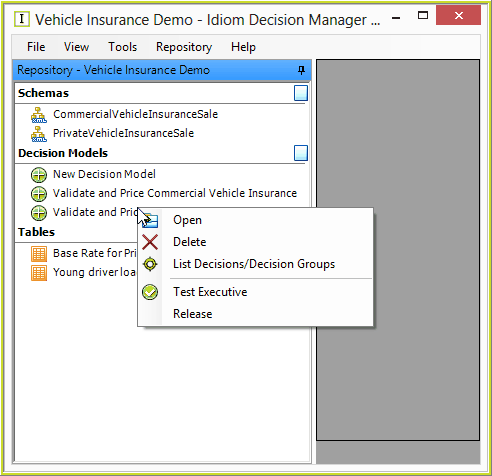
Figure 6-68: Opening an existing decision model.
The decision model will appear in the workspace.
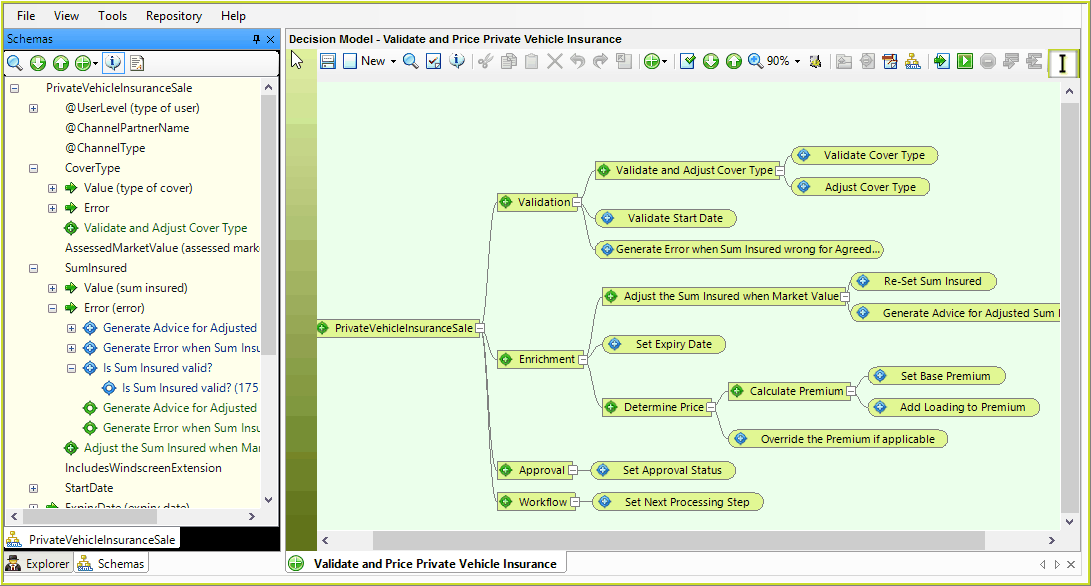
Figure 6-69: The decision model palette, and associated schema