Deleting a Decision Model |
  
|
Deleting a Decision Model |
|
To delete a decision model:
STEPS
1. |
Right-click on the decision model name in the explorer pane and select 'Delete'. |
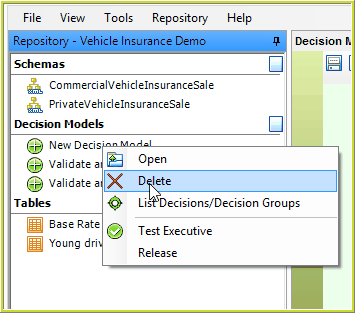
Figure 6-70: Deleting an existing decision model.
The decision model will be deleted from the repository and the name will no longer appear in the Explorer pane.