Validation messages |
  
|
Validation messages |
|
There are three categories of validation messages that may result from validation:
Type of Validation Error |
Description |
Critical validation errors |
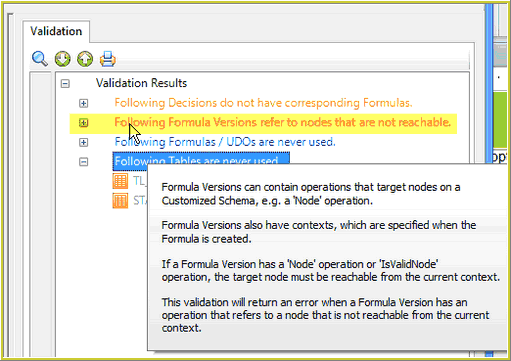
These Errors are displayed as red text. These can be considered fatal and will prevent IDIOM from generating your source code. Example: A formula is using an invalid context, or two formula references have the same effective date. |
Warning messages |
These messages are displayed as orange text. Warning messages appear when elements within the repository are incomplete or when effective dates have been set to inappropriate times. However, these are merely notifications to the user and will not prevent generation. Example: A formula is unfinished or the effective date of a formula has been set to a date that is earlier than the release date. |
Information Only messages |
These messages do not prevent IDIOM from compiling at runtime and are displayed as blue text. These are used to provide information that may be useful in maintaining a tidy repository. Example - A formula is not used anywhere. |
Table 7-2: Types of Validation Errors
Tips |
1.Hover over the Validation Error Message to view Tooltips on why the validation has occurred.
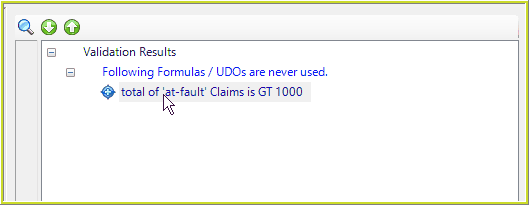
2. Double-click on the formula/decision to be taken to open the associated decision/formula palette:
|