Repository Overview/Statistics |
  
|
Repository Overview/Statistics |
|
A summary of what is in the repository is available via the Repository > Overview/Statistics menu option.
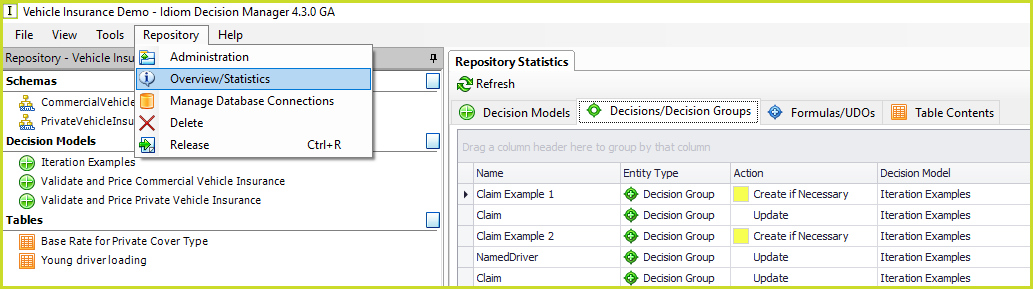
Figure 6-200 Repository Overview/Statistics
The Overview lists details of all the components in the repository from Decision Models, Decision (Groups), Formulas, UDOs to Tables. It provides an indication of the complexity of the repository but it can also be used to quickly locate a component.
Column operations.
Right-click on a column heading to present a menu of possible column operations.
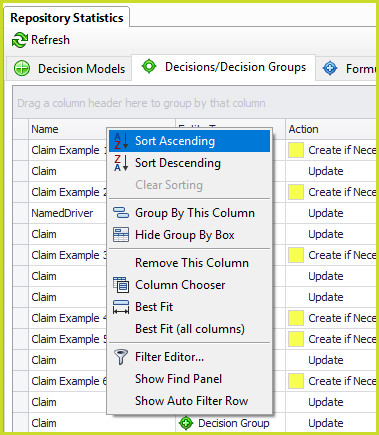
Figure 6-201 Right-click menu:
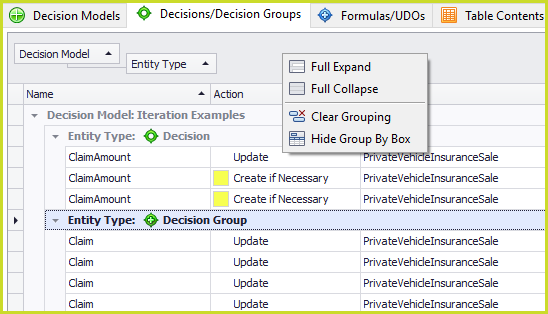
Grouping by one or more columns displays a grouping panel above the columns. This panel has a right-click menu to expand, collapse and clear the grouping. |
|
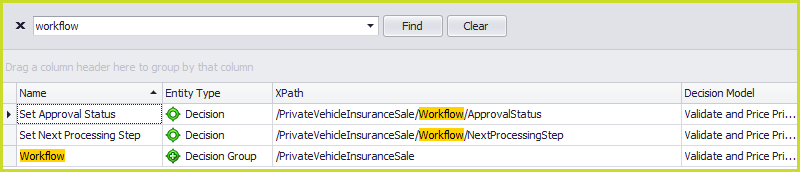
The Find Panel which appears above the columns can be used to locate rows with a word in any of its columns: |
|
The Auto Filter Row which appears above the columns is similar to Excel's filter feature. Enter a value or select one from the drop down list: |
|
Opening models, decisions, formulas and tables.
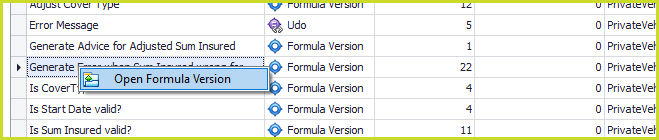
Right-click on a row under one of the tabs to open the corresponding Decision Model, Decision (Group), Formula, UDO or Table Contents.
Sort and Filter
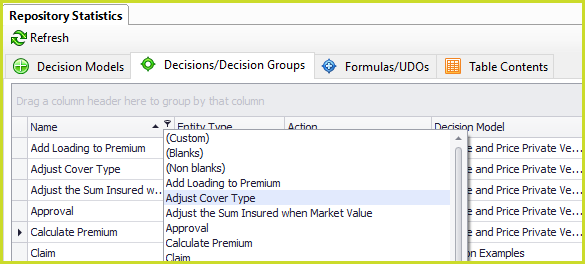
Click on a column label to sort the column in ascending/descending order which is indicated by the small black arrow in the upper right corner pointing up or down. Click on the filter icon in the upper right corner to present a drop down list of all possible filters.
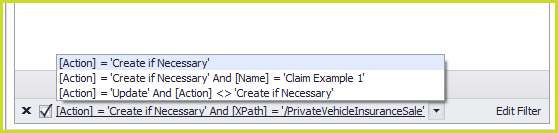
Your filters are saved and listed in the lower left corner. Click on the drop down arrow on the right to present a list of filters. Select or deselect the checkbox on the right to turn the filter off and on. Click on the black cross on the right to clear the list of filters.
Filter Editor
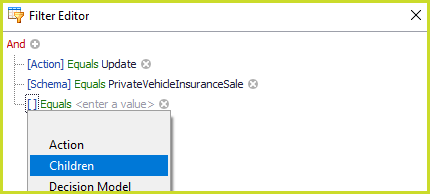
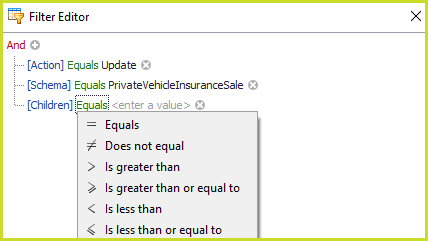
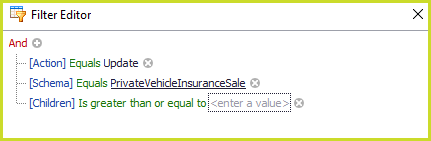
Click on Edit Filter in the lower right corner to present the Filter Editor dialog box. This dialog box can be used to maintain the filters selected above.
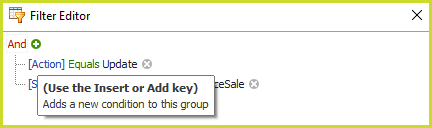
Click on the green plus icon to add another condition: |
|
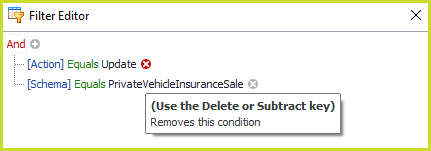
Click on the red cross to remove a condition: |
|
Click between the square brackets to change or select a column: |
|
Click on the green text to change the criterion: |
|
Click on the black text to change or enter the value: |
|