Opening the Repository Comparison Wizard |
  
|
Opening the Repository Comparison Wizard |
|
STEPS to open the Repository Comparison Wizard:
1. |
Open IDIOM Decision Manager. |
2. |
Click on Tools | Wizards | Repository Comparison Wizard > Welcome screen. |
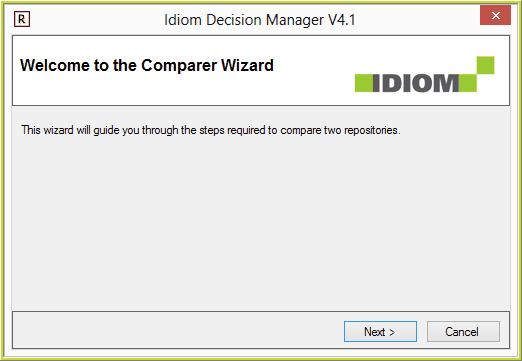
Figure 6-111: The Welcome screen
3. |
Click on the Next button > Select Base Repository screen. This screen has the 'Current Repository' option if you are logged into a repository. |
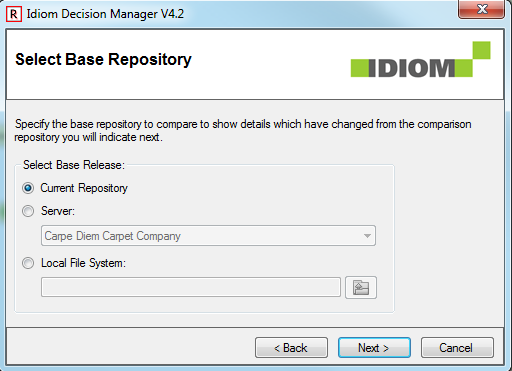
Figure 6-112: The Select Base Repository screen.
4. |
Select the Base repository - this is the original repository that you wish to compare against another repository. We will use the VehicleInsurance.idm repository. If you have already imported this repository in to the Decision Manager, it will be available under the Server drop-down selections as 'Vehicle Insurance Demo.' Alternatively you can browse to select it from: ..\Program Files\Idiom Software\IDIOM Decision Manager v4.5\Sample Repositories\VehicleInsurance.idm. |
5. |
Click on the Next button > Select Comparison Repository screen; |
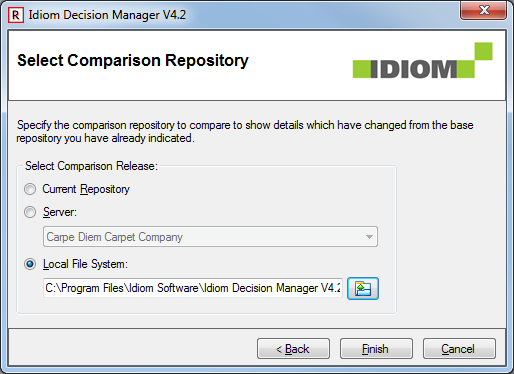
Figure 6-113: The Select Comparison Repository screen
6. |
Select the Comparison repository - this is the repository to be compared against the original. We will use the standard VehicleInsuranceBAU.idm repository (you can find this at ..\Program Files\Idiom Software\IDIOM Decision Manager v4.5\Sample Repositories\VehicleInsuranceBAU.idm). |
7. |
Click on the Finish button > Repository Comparison Viewer. |
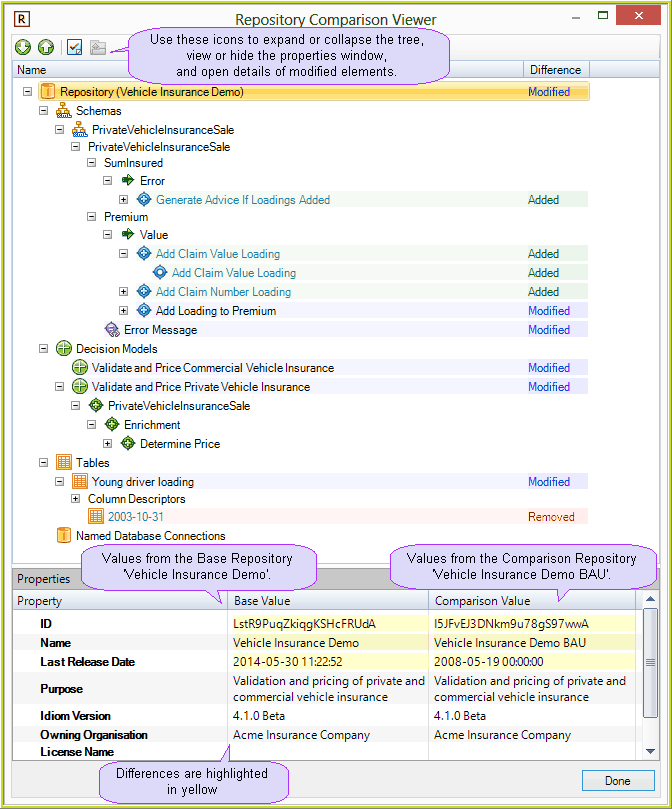
Figure 6-114: The Repository Comparison Viewer
The repository comparison displays the items that are different between the Base Repository, when compared to the Comparison Repository
•'Added' - means that the item is not in the Base Repository, but it is in the Comparison Repository
•'Removed' - means that the item is in the Base Repository, but it has been removed from the Comparison Repository
•'Modified' - means that the item is in both repositories, but they
The repository comparison displays the differences between the 'Base Values' from the Base model, when compared to the 'Comparison Values' from the Comparison model.
8. |
Click on the Done button |