Removing a Customized Schema From the Repository |
  
|
Removing a Customized Schema From the Repository |
|
STEPS to remove a customized schema from the repository:
1. |
Click on 'Tools' | 'Schema Administration' > Schema Administration window. |
2. |
Right-click on the desired customized schema and select `Delete'. |
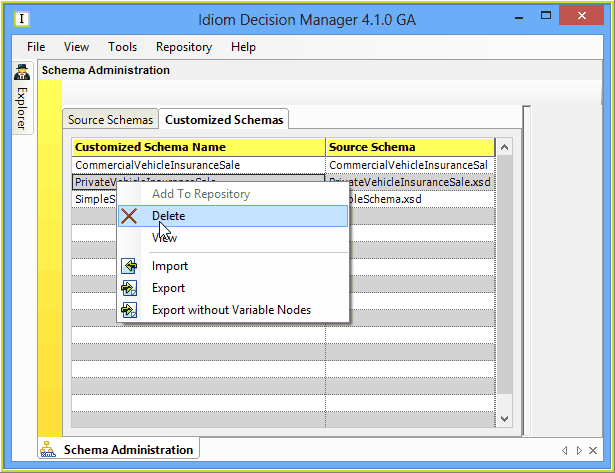
IDIOM will ask you to confirm that you wish to delete the schema from the system. Provided that it has been removed from the Explorer Schema view, it will be deleted.