Importing a Customized Schema |
  
|
Importing a Customized Schema |
|
STEPS to import a customized schema:
1. |
Click on Tools | Schema Administration > Schema Administration window |
2. |
Click on the Customized Schemas tab > Customized Schemas table |
3. |
Right-click anywhere in the Customized Schemas table and select `Import' > Open dialog box |
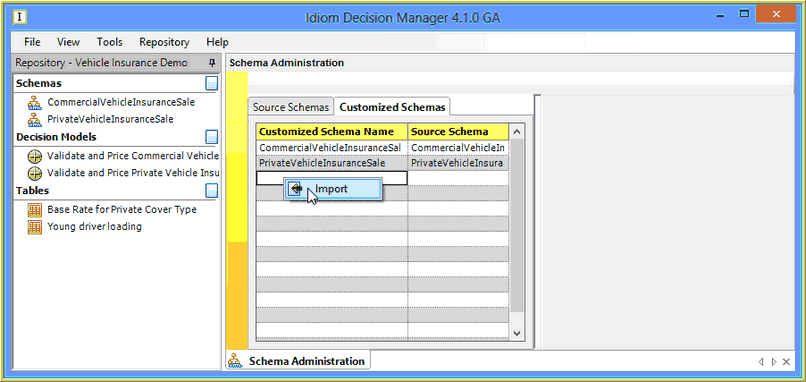
Figure 6-58: Importing a new customized schema
4. |
Find the appropriate .xml file and click on Open |
The customized schema now appears in the list of schemas in the Customized Schemas table.