How to Use This Manual |
  
|
How to Use This Manual |
|
This manual includes information for both novice and expert users.
Table 1-1 below outlines the chapters that are relevant to each user's role and level of expertise. These chapters are usually best viewed in the order in which they are listed. However, you can also simply browse through to the topics that are of interest to you.
User Role/Level of Expertise |
Relevant Chapters |
Beginners |
Introduction and Concepts IDIOM Basics Decisions Formulas Tables Testing and Releasing the Repository |
Advanced Decision Designers |
Decisions Formulas Tables Testing and Releasing the Repository |
Administrators |
Introduction and Concepts IDIOM Administration |
Table 1.0 - Relevant chapters for each user role
Please note that throughout this manual we have used a standard notation for describing actions in IDIOM. For example, when creating a new repository we have used: File | New > New Repository dialog box. This should be taken to mean click on `File' and then on `New', which will open '>‘ the `New Repository' dialog box'.
Opening this manual from the Help Menu in .chm format enables you to use the ('Ctrl' + '+') shortcut key to increase text size, and ('Ctrl' + '-') to reduce text/image size.
NOTE: Please do not try and print out this manual. It will not be formatted correctly and some of the tables will lose row data. Please use the PDF version if you wish to print out the entire manual. This can be found in the customer resources library here: http://sales.idiomsoftware.com/Idiom/IdiomCustomers.nsf/.
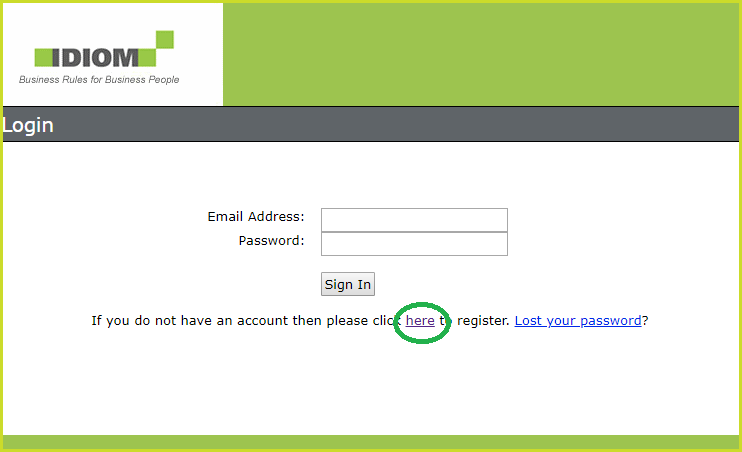
Access to the sales.idiomsoftware.com site requires an account. The registration is free. This account and login is different to the Idiom Decision Manager licensing and login.
Further information can be found on the Knowledge base at http://sales.idiomsoftware.com/Idiom/techcomment.nsf/