Creating a Floating Formula |
  
|
Creating a Floating Formula |
|
Floating formulas are not created from the decision model, but from the customized Schema pane. Although they are not associated with one particular decision, they must be associated with a node for navigational purposes (i.e. they need to have a context).
STEPS
1. |
Double click on the PrivateVehicleInsuranceSale schema > customized Schema pane |
2. |
Right-click on the '@UserLevel (type of user)' node and select `New Formula'. |
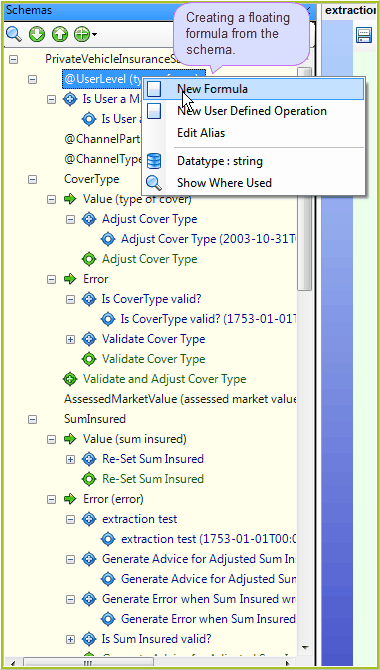
Figure 4-64: Creating a floating formula
3. |
Create your new formula (see Creating your first formula). Here, we will simply save the unresolved formula. |
4. |
Click on the Save button. The new formula name will now appear under the UserLevel node. |