Binary File Properties |
  
|
Binary File Properties |
|
The local and production releases produce a binary .dll or .jar file. The name and location of that file is specified in the Build Action tab of the Generation dialog box:
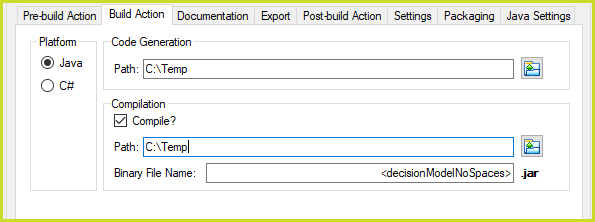
Local and Production Build Action's Path and Binary File Name
Right-click on the file in the File Explorer, select Properties and click on the Details tab.
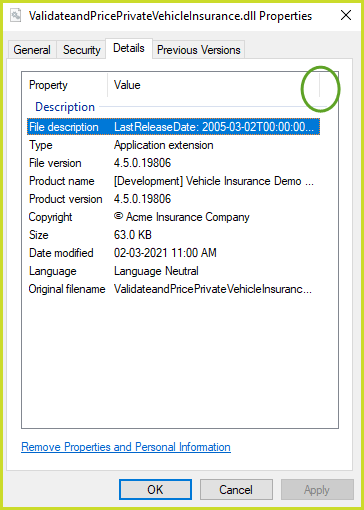
Binary File Details
The Properties dialog box can not be widened to read the whole value of the File description and Product name properties. These values can be read by dragging the marker of the Value column to the right. This will present a horizontal scroll bar in the Properties dialog box which can be used to read the full file description and product name:
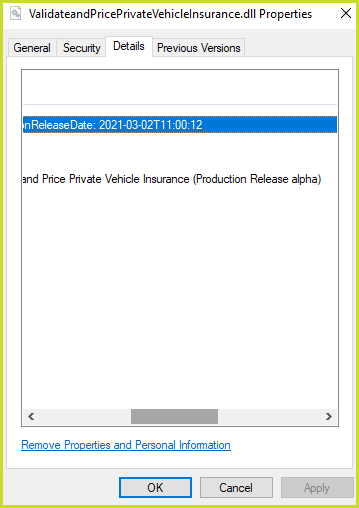
Full File description and Product name